Bring your files
Import SKU catalogs from CSV or Excel and shipping labels from supported PDFs. Organize uploads by platform.
 KNhyanaTECHNOLOGIES
PRINTSCAN PACK · WINDOWS SOFTWARE
A focused packing workspace for marketplace sellers, D2C brands and fulfilment teams. Local order data. Selected-printer output. Administrator-approved activation.
Works with uploaded platform files. No direct marketplace account synchronization.
Illustrative workflow · Sample SKU, not a live customer order
BUILT FOR THE PACKING DESK
Keep the workflow clear for the person scanning, checking and packing each order.
Import SKU catalogs from CSV or Excel and shipping labels from supported PDFs. Organize uploads by platform.
View the SKU image from your local file or web link, alongside the shipping-label preview.
Scan the required units before printing. An explicit Ignore & Print action requires confirmation.
Print one shipping-label page per order. Choose the installed printer at your workstation.
Review labels, track submitted jobs, and confirm a replacement reprint when a label is damaged.
Upload multiple supported Amazon-format ZPL files with an order database to match order IDs, SKUs and quantities.
LOCAL FIRST
The EXE keeps SKU catalogs, labels and packing history locally. Only activation, device and subscription details are exchanged with the licence service.
Background checks occur when the server is reachable, approximately once a week. An internet outage does not interrupt a valid saved subscription.
Offline operation ends at the saved subscription expiry. A signed online rejection requires renewed authorization.
Upload request Track / download licenceSOFTWARE PREVIEW
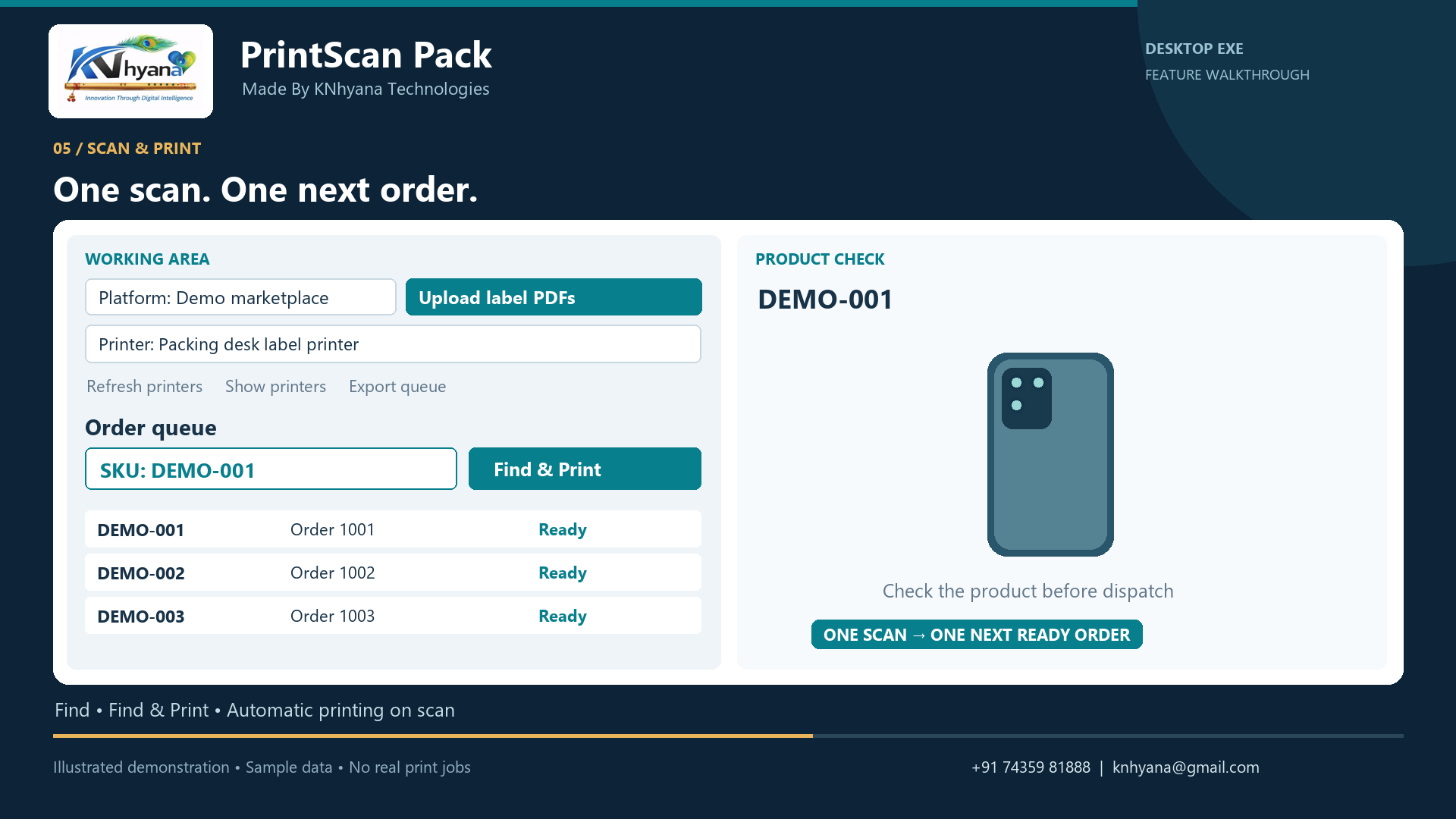
Illustrative workflow using sample data. The current desktop edition may have a different arrangement of controls.
No. An approved licence works locally until its saved subscription expiry. Due background checks retry when the activation server is reachable. Offline renewal requires a new licence file issued by your administrator.
Yes, when that SKU is identified in a ready uploaded order. The image catalog is optional for order matching.
The converter supports the supplied Amazon shipping format and supported ZPL commands. Other label formats need validation before use.
Contact KNhyana for a quotation based on your packing stations and requirements. Access is enabled by the administrator after approval.
It records submission to Windows printing. If the outcome is uncertain, check the printer before retrying to avoid an extra copy.
START A CONVERSATION